
I spent weeks choosing the perfect minimalist desk, warm neutral rug, and high-end monitor, but the moment I plugged everything in, an unruly bird's nest of thick black power cords, dangling HDMI wires, and glowing surge protectors completely ruined the clean aesthetic. Even worse, accidentally kicking a power strip under my desk during a Zoom call was an everyday hazard.
Cable management isn't about being an obsessive tech perfectionist—it is about eliminating the visual static that clutters your workspace and living room. When cords are bundled, routed along clean architectural lines, and tucked inside handsome wooden-accent boxes, your entire room feels instantly spacious and serene. Here are the 10 holy-grail cable management solutions that permanently erased cord chaos from my home.
This post is all about 10 brilliant cable management solutions for clean, cord-free rooms.
Our Top 3 Editor Picks
-
Top Power Strip Box:
DMoose Cable Management Organizer Box with Wood Grain Lid → -
Best Desk Trunk Sleeve:
JOTO Neoprene Flexible Cable Management Sleeves with Zipper (4-Pack) → -
Best Desktop Cord Dock:
Magnetic Desktop Cable Drop Clips with Damage-Free Adhesive Base →
Surge Protector Concealer
1. Hide Unsightly Surge Protectors Inside a Sleek Wood-Lid Cable Management Box
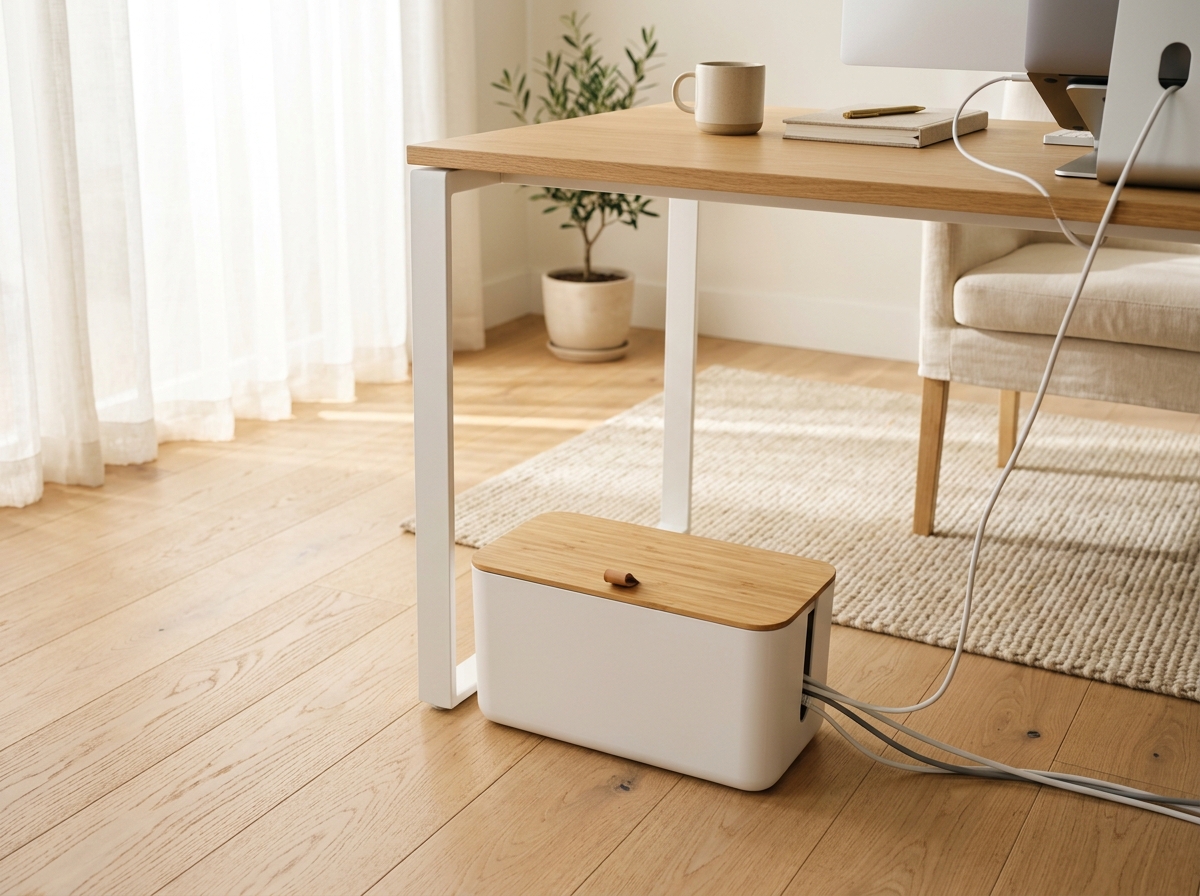
A floor surge protector sprouting eight oversized power bricks, glowing red rocker switches, and tangled black cables looked like an industrial hazard sitting on my beautiful living room floor.
This minimalist matte organizer box completely conceals heavy power strips and excess cable slack inside. Fitted with a warm natural wooden lid and dual side cord cutouts, it turns a chaotic electrical hub into a chic, intentional decor accent.
✨ The Stylist Rule: Rest your phone or wireless charging pad directly on the flat bamboo lid while cords stay hidden underneath for a zero-footprint charging station.
Why We Love It
- Fire-retardant ABS construction safely encloses power strips, adapters, and excess cable length
- Natural grain wood lid doubles as an elevated surface for docking phones and tablets while charging
- Dual side and top cable exit slots provide organized, kink-free wire routing
Keep in Mind
Measure your power strip length including plugged-in cords to verify it fits inside the 12" interior bay.
📐 Space & Fit Check: 12.4" long x 5.4" wide x 5.1" high; accommodates standard 6-to-8 outlet surge protectors.
THE BUDGET PICK
✨ THE LUXE UPGRADE
💬 Real Buyer Takeaway: Customers say this single box transformed the look under their desk, hiding dust-attracting cord piles completely.
Cable Trunking
2. Bundle Spaghetti TV & Gaming Cords into Flexible Zippered Neoprene Sleeves

Wall-mounted TVs look so sleek until you step back and see six distinct black wires dangling down like ugly spaghetti strands, collecting thick dust bunnies.
These flexible neoprene sleeves zip snugly around up to 10 thick cables at once, consolidating a messy web of cords into one clean, uniform conduit. Heavy-duty zippers allow you to open the sleeve in seconds whenever you need to add or remove an HDMI cord.
✨ The Stylist Rule: Zip cables together starting from the top and guide cords smoothly downward to eliminate twisting before closing the zipper.
Why We Love It
- Heavy-duty industrial zipper allows instant cord adjustments without unplugging electronics
- Durable premium neoprene fabric stretches to bundle up to 8 to 10 cables comfortably
- Pre-cut breakout holes let individual cords exit at exact device heights
Keep in Mind
Zip cords together starting from the top and guide wires smoothly downward to prevent twisting.
📐 Space & Fit Check: Pack of 4 sleeves; each measures 19.5" long x 3.5" wide; zip multiple sleeves together for thicker bundles.
💬 Real Buyer Takeaway: Reviewers praise how fast this cleaned up their wall-mounted TV setup, turning a 6-wire tangle into one sleek black trunk.
Magnetic Cord Retainer
3. Stop Charging Cables from Dropping Behind Desks with Magnetic Cord Drops

Every time I unplugged my laptop to work on the couch, the charger cable immediately slid off the back edge of my desk, dropping into the gap behind the wall.
These magnetic cable collars snap around your charging cables and dock securely to an adhesive weighted magnetic base. Your USB-C, lightning, and display cables stay anchored right at the perimeter of your desk, ready to click into place effortlessly.
✨ The Stylist Rule: Position the magnetic dock right along the back edge of your desk so charging ends stay at hand level without dangling into view.
Why We Love It
- Strong neodymium magnets hold charging tips firmly in place until you lift them
- Non-residue adhesive base secures to glass, wood, metal, or laminate desk surfaces
- Universal silicone collars fit standard phone cables, thick monitor cords, and braided laptop wires
Keep in Mind
Position near the back edge of your desk for a clean, near-invisible wire dock.
📐 Space & Fit Check: Compact 3.5" adhesive dock strip; includes 3 magnetic cable collars.
💬 Real Buyer Takeaway: Remote workers call this their favorite work-from-home upgrade, permanently stopping chargers from dropping to the floor.
Reusable Cord Straps
4. Secure Appliance & Home Theater Bundles with Reusable Hook-and-Loop Cable Ties
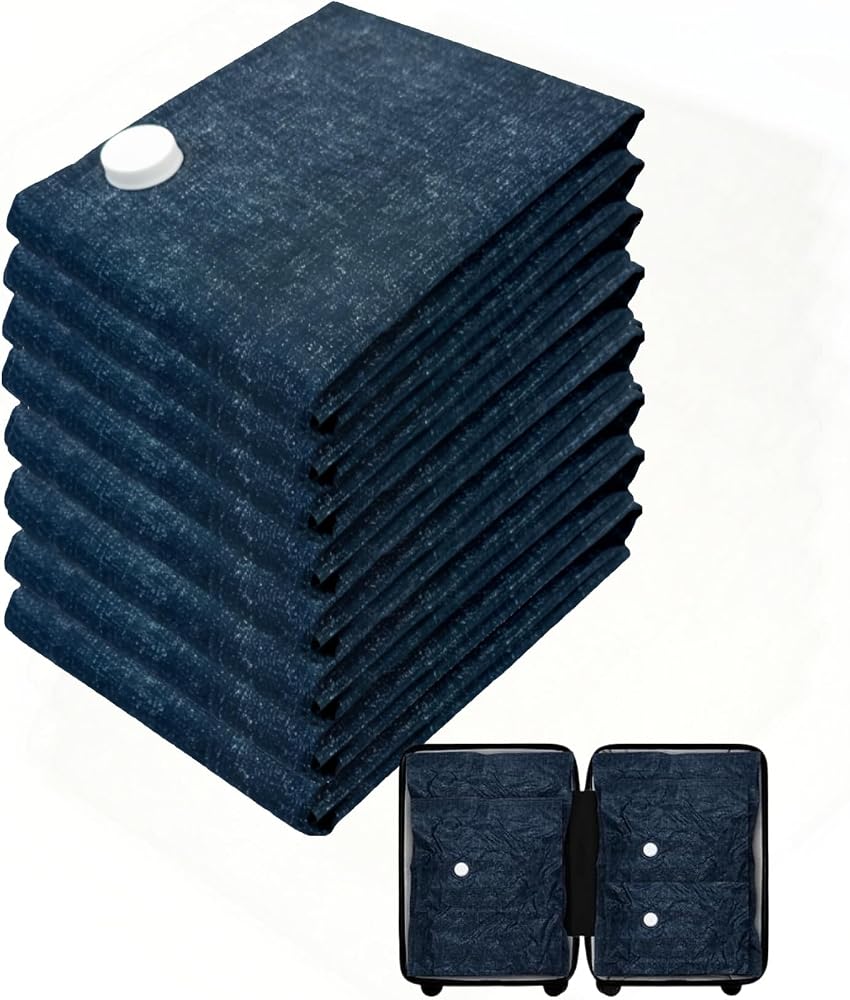
Plastic zip ties seemed smart until I needed to swap out one audio cable—then I had to dig out scissors, risking cutting the wire insulation.
These reusable hook-and-loop fabric ties wrap securely around excess cord slack, shortening long 10-foot cables into neat, compact coils. They peel open and re-fasten hundreds of times, making routine tech adjustments effortless and waste-free.
✨ The Stylist Rule: Leave 2 inches of slack near device ports to prevent strain on sensitive HDMI and USB-C connectors before securing the tie.
Why We Love It
- Reusable micro-hook fabric wraps securely and peels apart effortlessly without tools
- Slotted eyelet design keeps the tie attached to the cable so you never lose it
- Soft fabric construction will never pinch, crush, or damage delicate fiber optic or audio wires
Keep in Mind
Join two straps together end-to-end when wrapping extra-thick appliance power cords.
📐 Space & Fit Check: Pack of 50 reusable ties; each measures 8" long x 0.5" wide.
💬 Real Buyer Takeaway: Buyers say these are infinitely better than plastic zip ties, cleaning up home theaters and office desks with ease.
Elevated Cord Router
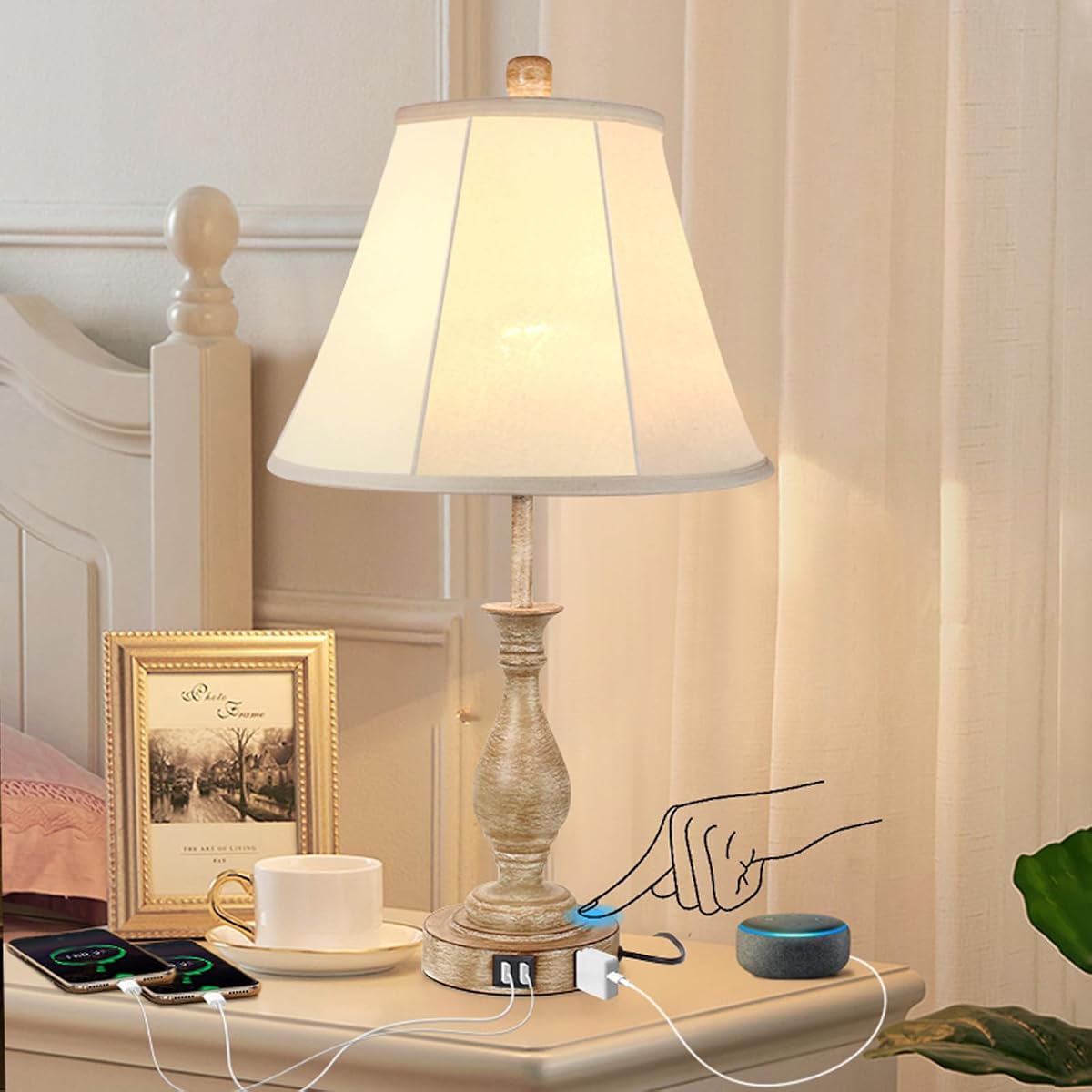
5. Route Nightstand Devices Discretely Through a Solid Walnut Landing Station

When my smartwatch, phone, and headphones charged in the same spot, their varying cable lengths created an unsightly plastic knot on my nightstand.
This handcrafted solid walnut docking station features precision-milled underside cord channels that conceal charging wires completely. Each device docks into a sculpted wooden cradle, giving your everyday tech an organized, architectural presence.
✨ The Stylist Rule: Pair with a multi-port USB charging hub hidden behind furniture for a clean, single-plug wall connection.
Why We Love It
- Genuine solid walnut construction adds natural warmth and luxury craftsmanship to any room
- Underside carved channels lock charging tips at the exact angle needed for seamless docking
- Carved accessory catch-alls hold glasses, keys, and wedding rings safely
Keep in Mind
Pair with a compact multi-port USB charger hidden behind furniture for a single-wall-plug setup.
📐 Space & Fit Check: 11.8" wide x 7.3" deep x 8.2" high; crafted from 100% solid hardwood.
💬 Real Buyer Takeaway: Reviewers love how this turned three loose charging cords into a polished, boutique hotel nightstand display.
Under-Stand Cable Pass-Through
6. Clear Desktop Real Estate and Route Laptop Cords with an Ergonomic Aluminum Stand
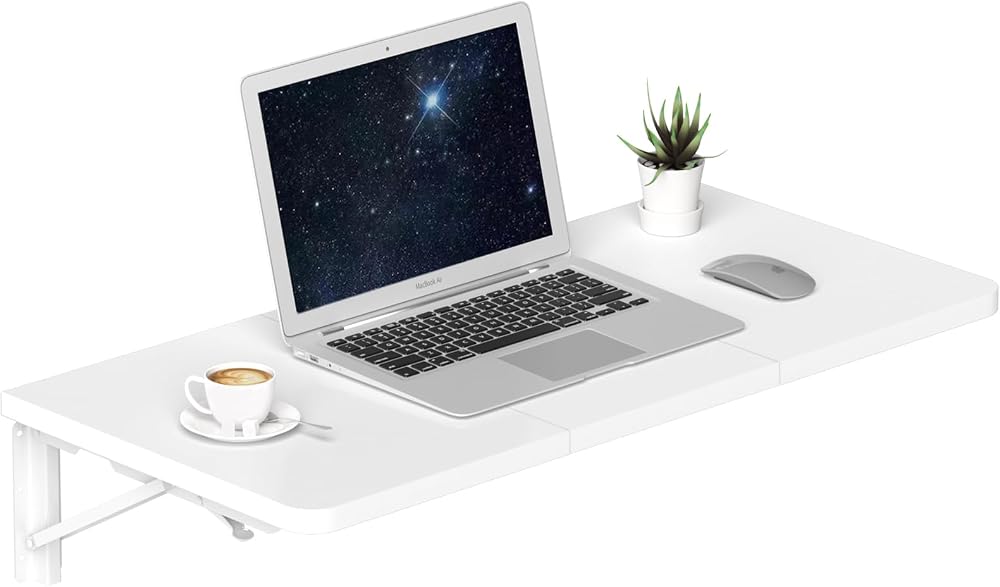
Resting my laptop flat on my desk forced power and monitor cables to jut awkwardly out of the sides, crowding my notebook and causing afternoon neck strain.
This solid aluminum riser lifts your laptop screen 6 inches to healthy eye level while featuring a dedicated rear cable pass-through hole. Power and display cords route straight through the back spine out of sight, leaving the desk space underneath open for an external keyboard.
✨ The Stylist Rule: Route your laptop charging cable straight through the circular rear cutout hole to keep your desk surface completely wire-free.
Why We Love It
- Rear circular cable cutout routes power, HDMI, and USB cords directly behind the desk
- Lifts screen 6" to ergonomic eye level to eliminate neck fatigue during long workdays
- Solid aluminum plate acts as a natural heat sink to keep laptops running cool and quiet
Keep in Mind
Pair with a wireless keyboard and mouse for the cleanest, most ergonomic desktop setup.
📐 Space & Fit Check: Compatible with all 10" to 15.6" laptops including MacBooks, Dells, and ThinkPads.
💬 Real Buyer Takeaway: Users say this immediately improved their posture while making desktop wire management effortless.
Baseboard Cord Clips
7. Trace Invisible Perimeter Wire Runs with Self-Adhesive Wall Cable Clamps

Running an Ethernet cable across my living room resulted in a sagging cord taped to the wall with masking tape that the vacuum constantly caught.
These discreet self-adhesive cable clamps guide single or dual wires tightly along the top lip of baseboards or behind furniture legs. The clear, low-profile clips blend into white trim, rendering perimeter cable runs practically invisible.
✨ The Stylist Rule: Trace cables along the top lip of baseboard trim rather than the bottom carpet edge—it makes wire runs virtually invisible.
Why We Love It
- Super-strong acrylic adhesive backing anchors firmly to painted walls, wood trim, and metal
- Compact transparent profile blends into white trim without visual distraction
- Snap-latch gate allows wires to be inserted or removed without pulling the clip off the wall
Keep in Mind
Press firmly for 20 seconds and allow adhesive to cure for 2 hours before inserting tensioned wires.
📐 Space & Fit Check: Pack of 50 adhesive cable clamps; accepts cables up to 0.28" diameter (standard Ethernet/power).
💬 Real Buyer Takeaway: Shoppers report routing 30 feet of internet cable around door frames and baseboards with zero visible sagging.
Concealed Desk Clearance
8. Tuck Away Keyboards and Route Wires Under a Mid-Century Monitor Riser
My wide monitor base ate up prime desk space, while heavy monitor power cords and display cables puddled right in the center of my field of view.
This warm mid-century wood monitor stand elevates your screen to proper ergonomic height while creating a generous 3.5-inch clearance underneath. Slide your keyboard and mouse completely out of sight at the end of the day, while routing cables cleanly beneath the shelf.
✨ The Stylist Rule: Slide your wireless keyboard and mouse completely beneath the riser at the end of the day to instantly clear your visual field.
Why We Love It
- Elevates heavy monitors to ergonomic eye level, supporting up to 44 lbs of display weight
- Conceals full-sized mechanical keyboards, mouse pads, and loose wires underneath when not in use
- Warm walnut-finish wood adds architectural mid-century warmth to modern workstations
Keep in Mind
Check your keyboard width to ensure it slides smoothly into the 20" clearance between legs.
📐 Space & Fit Check: 21.6" wide x 7.8" deep x 3.5" clearance height; holds up to 44 lbs.
💬 Real Buyer Takeaway: Reviewers love how this single piece uncluttered their small desk, giving them room to write in notebooks.
Under-Desk Tray Basket
9. Keep Office Essentials and Chargers Tidy with a Multi-Tier Mesh Desk Sorter
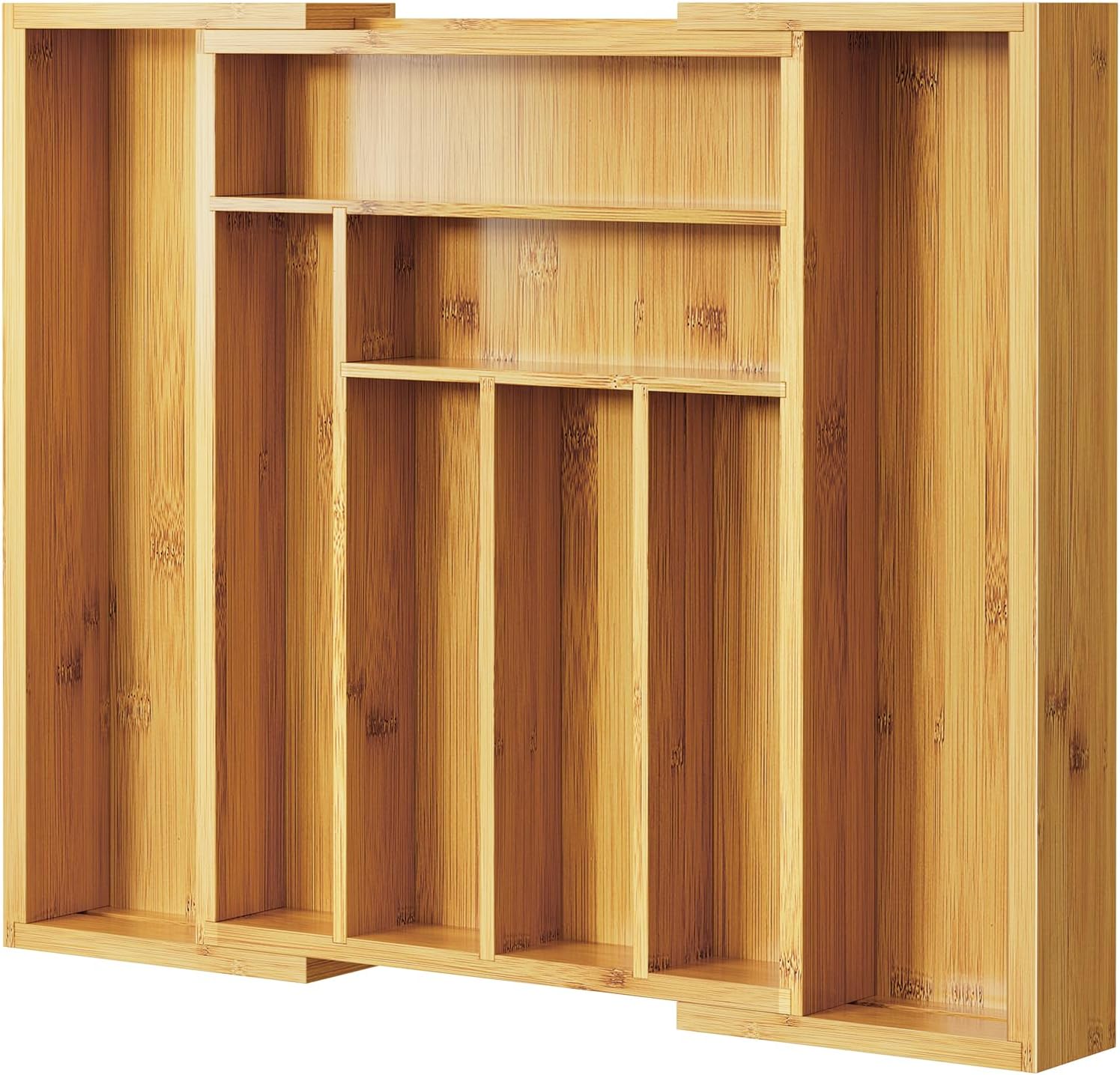
When external hard drives and USB hubs sat loosely scattered across my desktop, my work surface felt like an electronics repair shop rather than a calm office.
This multi-tier steel mesh desk sorter consolidates your tech accessories, active work files, and auxiliary charging bricks into a compact vertical unit. Sliding trays keep cords and peripheral drives organized at hand level without monopolizing desk surface.
✨ The Stylist Rule: Route peripheral hard drive cables out through the rear mesh grid so they connect to your PC without cluttering your mouse space.
Why We Love It
- Multi-tier vertical layout clears tech accessories and cables off primary mouse space
- Open steel mesh construction promotes airflow around warm external hard drives and hubs
- Sliding tiered pull-out shelves allow effortless access to lower trays
Keep in Mind
Route peripheral cords out through the back wire grid for the cleanest desktop appearance.
📐 Space & Fit Check: 13.25" wide x 9" deep x 11.5" high; features sliding letter trays and accessory drawer.
💬 Real Buyer Takeaway: Customers say this cleaned up all their desktop drives and chargers into one neat, organized station.
Modular Tech Drawer
10. Tame Loose Dongles & Adapters Inside Clear Modular Acrylic Drawer Bins
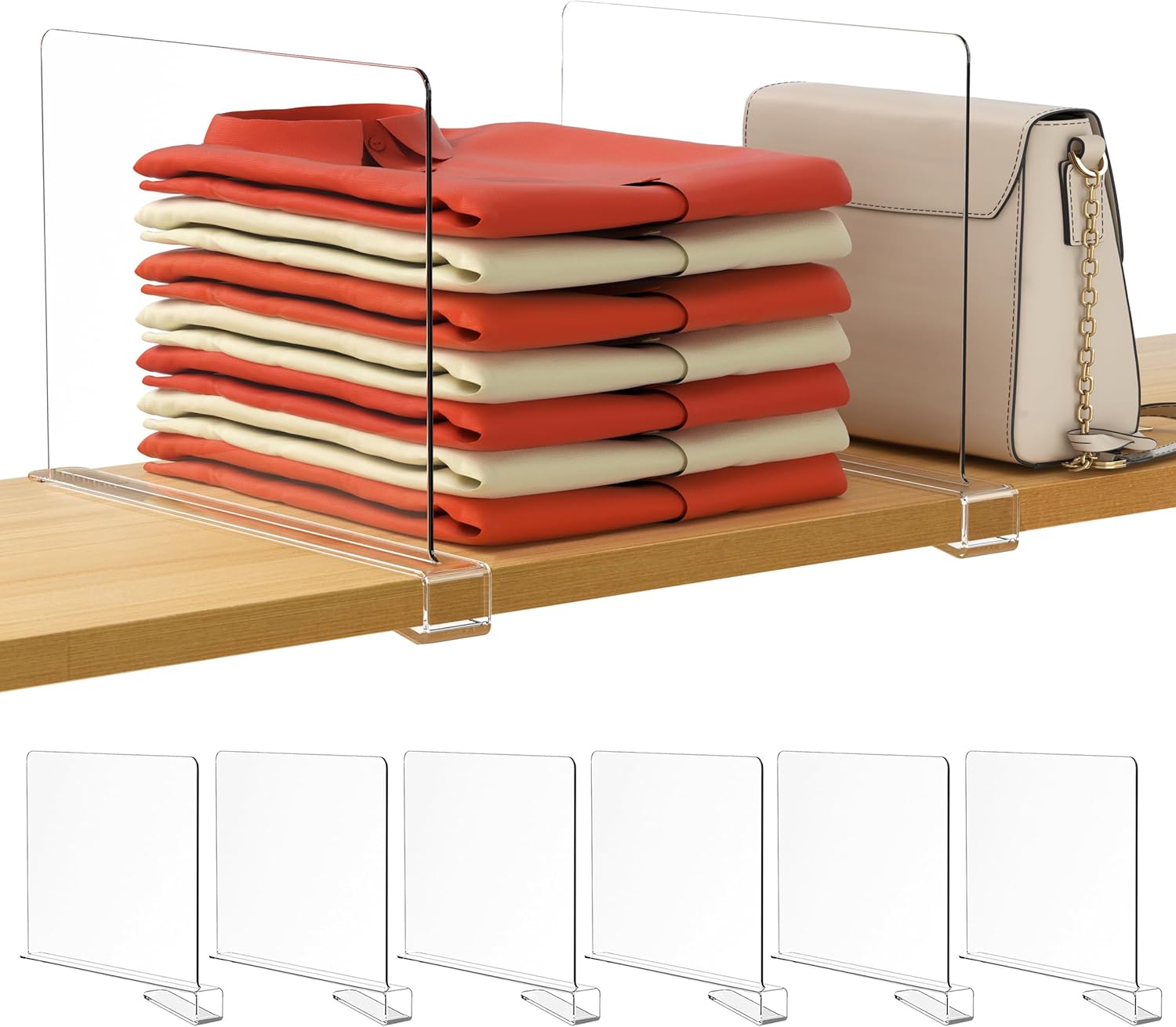
Opening my tech drawer to find an intertwined knot of USB adapters, spare HDMI dongles, and earbuds meant wasting ten minutes untangling wires before meetings.
These crystal-clear modular acrylic organizer bins segment your desk drawer into custom tech compartments. Store coiled charging cords, flash drives, and headphone adapters in separate crystal-clear bins so you spot the exact adapter you need instantly.
✨ The Stylist Rule: Coil each spare charger into a neat circle with a mini velcro strap before placing it into its designated acrylic bin.
Why We Love It
- Modular interlocking bins can be arranged in custom layouts to fit any desk drawer size
- Crystal-clear shatterproof acrylic lets you spot small dongles and USB drives at a glance
- Non-slip silicone rubber feet prevent bins from sliding around when opening drawers rapidly
Keep in Mind
Use small reusable velcro straps on cords before dropping them into bins for a magazine-perfect tech drawer.
📐 Space & Fit Check: Set of 6 modular organizer trays in 3 versatile sizes for tech and office accessories.
💬 Real Buyer Takeaway: Tech professionals say this turned their dreaded junk drawer into a pristine, hyper-organized tech hub.
FREE CORD GUIDE
The Invisible Cord Management Blueprint (PDF)
Step-by-step diagrams to hide TV wall cords, desk cables, and bedside chargers completely out of sight.
- Baseboard adhesive raceway installation steps
- Under-desk cord raceway channel layout
- Child and pet-safe electrical safety checklist
Instant digital download • 100% free • No spam ever
How to Choose the Right Solution for Your Space
Before purchasing, measure your space twice. When organizing tight cabinets or storage spaces, measure: 1) Vertical height clearance (including pipes, hinges, and light fixtures), 2) Usable depth, and 3) Door swing radiuses. Investing in modular, expandable units ensures that as your needs grow, your storage scales with you.
Final Verdict: Taming Cable Chaos for Good
If a tangle of cords behind the TV is the eyesore, the Wood-Lid Cable Management Box hides everything in one clean box. For desks with the worst spaghetti-cable problem, the Zippered Neoprene Cord Sleeves are the cheapest fix that takes minutes to install. Check live availability, prices, and customer reviews on Amazon to pick the right fit for your setup.
📌 Pin It For Later
Planning a Home Organization or Decor Weekend?
Don’t lose these smart finds! Save this complete guide directly to your Pinterest Home Organization, Small Spaces, or Living Room Inspo board.
Frequently Asked Questions
Q: Are these organizers renter-friendly?
Yes! 100% of the freestanding, expandable, and adhesive-mounted products in this guide require zero permanent drilling and leave surfaces completely undamaged.
Q: How do I clean and maintain these organizers?
For acrylic, plastic, and coated steel organizers, simply wipe with a damp microfiber cloth and mild dish soap. Avoid harsh bleach or abrasive pads that could cloud clear surfaces.
Q: Why avoid cheap generic multi-packs?
Generic off-brand organizers often use thin plastics that bow under weight or have high return rates due to wobbly joints. We exclusively recommend verified best-sellers with proven durability and low return rates.